MAX’S NOTES
How to specify an AI response format: list, table or template
Specify required fields and a rule for missing information to get a useful response. A fictional example shows three formats and how to check the content.
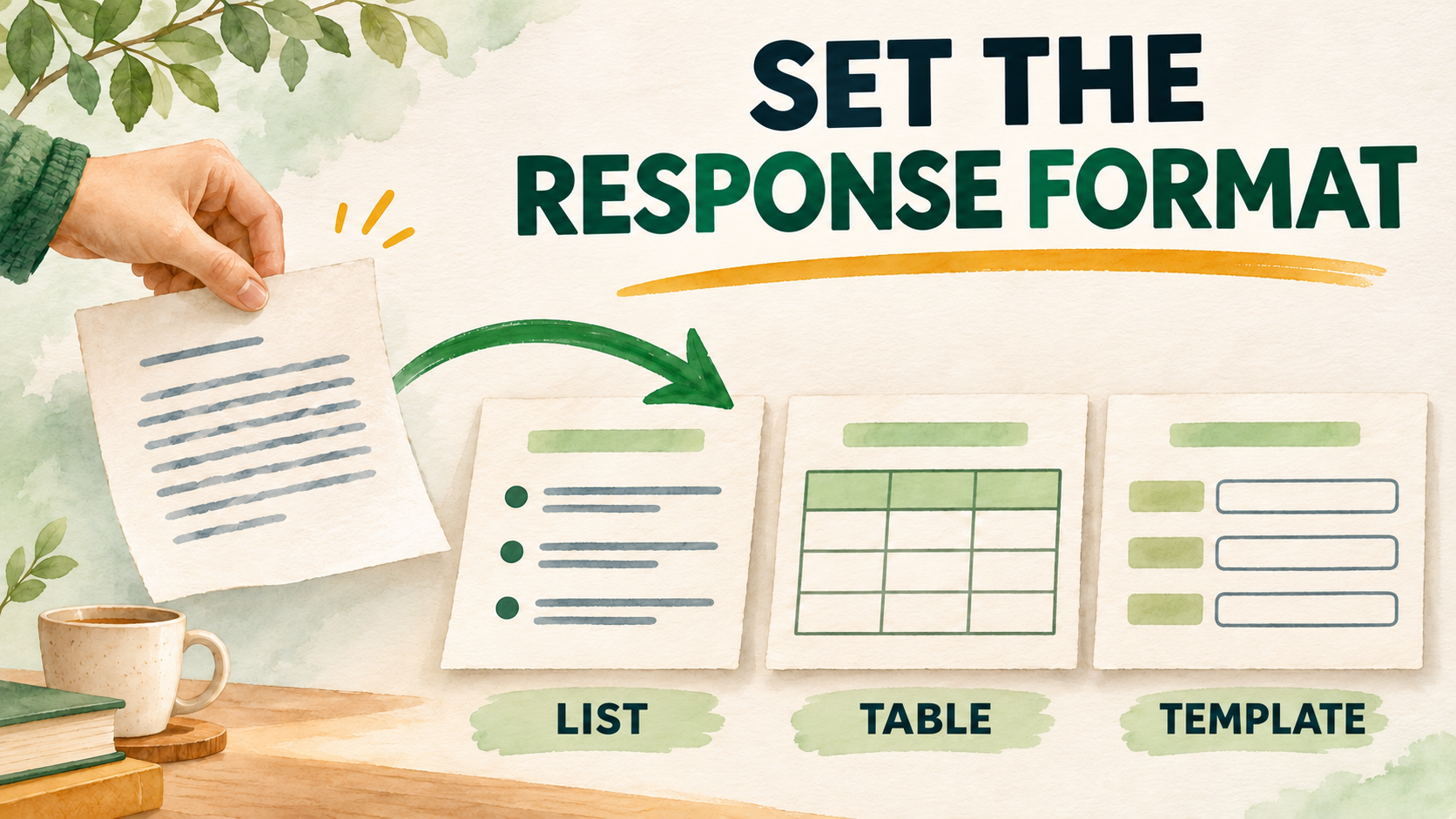
To get a useful AI response, specify both the task and the shape of the result: a list of steps, a table with named columns, or a template with required fields. Add a rule for missing information and check the response against the original text. Below is an editorial example you can repeat with your own notes.
Specify the structure you need
In its guidance for Copilot in Word, Microsoft recommends specifying the response format, length and constraints. This advice concerns a particular product; it does not guarantee identical behavior across assistants. I would use it as the start of a simple experiment: describe the structure, then check the response.
Go beyond “make it look good”. Say what you will do with the output: follow it in order, compare options or fill in records. That gives you a clear acceptance criterion.
- For sequential actions, try a numbered list. Specify that each item should contain one action.
- For comparisons, request a table and name its columns. Define what counts as one row.
- For repeated records, provide a template with consistent fields and field order.
One example in three formats
Consider fictional notes for a book club: “Olya proposed choosing a book by Friday. Dima is willing to check whether a room is available. The meeting date has not been agreed.” This is a learning example, not a record of a real meeting.
For a list, you might ask: “Use these notes to list the next actions. Distinguish proposals from confirmed agreements. Do not add a deadline if the text does not give one.”
For a table: “Columns: action; person mentioned; deadline in the notes; agreement status. One row per action. Write ‘not specified’ when information is missing.”
For a record: “Use the fields ‘Question’, ‘What is known’ and ‘What needs clarification’. Create separate records for the book, room and meeting date.”
Olya proposed a deadline, but the notes do not establish that others accepted it. Dima expressed willingness to check the room; no specific deadline is given. A useful structure should preserve these distinctions.
A reusable prompt with checking criteria
This is an editorial template, not a tested universal recipe. Adjust the fields for your task before using it. If your notes contain other statuses, add them to the allowed options instead of forcing the text into two categories.
Refine the response without starting again
Microsoft recommends refining a response with follow-up prompts and reviewing generated text for accuracy and completeness. Another Microsoft guide includes an example prompt that explicitly requests a table.
If the structure works but one row is inaccurate, request a specific correction: “Keep the book-selection row marked ‘proposal’. Check the other rows against the original notes. Do not add new commitments.”
Check for yourself:
- Does every row have a basis in the notes?
- Are proposals still marked as proposals?
- Has a person or deadline been invented?
- Are uncertainties still visible?
Sources
- Microsoft Support — Write effective prompts for Copilot in Word
- Microsoft Support — Get started writing prompts in Microsoft Copilot