MAX’S NOTES
How to translate text with AI and preserve terms, numbers and conditions
Use context, a small glossary and a comparison with the original to translate a short announcement without adding promises or losing conditions.
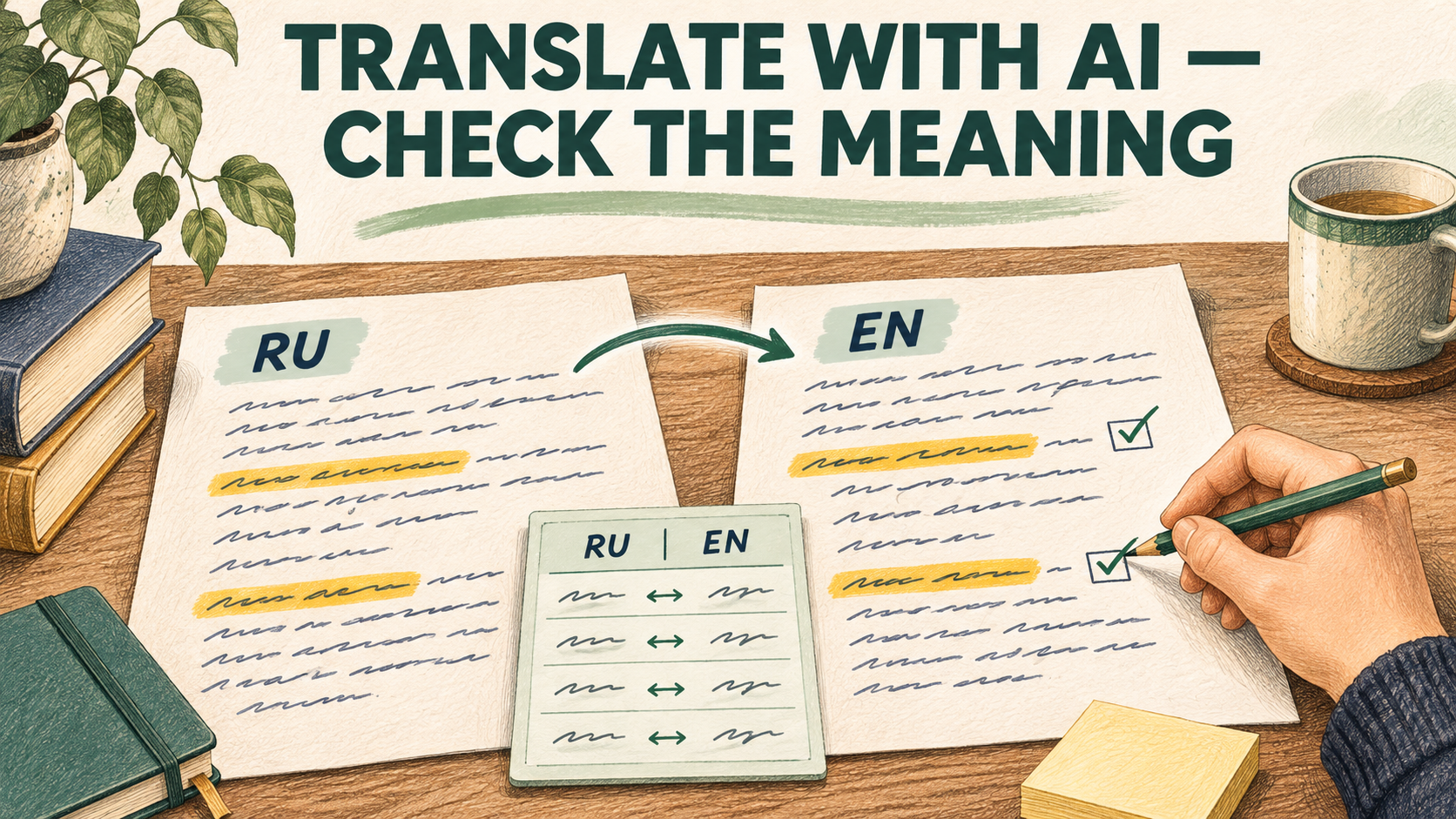
How can you translate text with AI without changing its meaning? Specify the languages, audience and preferred translations of key terms. Then compare the result with the original separately, checking numbers, negatives, deadlines and conditions. Fluent English alone does not make a translation accurate.
We will use a short announcement. You need an available AI chat that supports your language pair, the original text and a few minutes to review it. This example does not require an API or a custom agent.
Start with the reader and purpose
“Translate this into English” leaves many decisions to the model. Is the text for a guest, a colleague or someone reading instructions? Should the wording be neutral or conversational? Are there established names?
Before translating, write down:
- The source and target languages.
- The audience and purpose.
- Items that must stay unchanged: a brand name, product code or address.
- Approved translations of recurring terms.
- Questions to clarify rather than guess.
Google Translate Help recommends putting a word in a complete sentence to provide context. For a chat, I suggest adding the purpose of the text too. This is an editorial technique, not a guarantee of accuracy from every model.
Make a small glossary
Google Cloud Translation documentation describes a glossary as a way to translate specialist terms consistently. In a regular chat, you can put a term list directly in your prompt. This instructs the model; it does not enable the Cloud Translation feature. You still need to check whether the model followed the list.
Start with a few important expressions. Do not ask the model to invent an “official translation” of a name. If there is no approved version, ask for options separately and choose one.
A prompt for the first translation
First replace the audience and glossary with your own. Mark the text boundaries clearly.
Do not also ask for a version half as long with a promotional tone. First get a translation that preserves the meaning. Discuss style changes in a follow-up message.
Microsoft recommends separating sequential operations for its Text Translator template and warns about possible errors. Here that approach is applied to an ordinary chat task; it does not imply that every service has identical capabilities.
Work through an example
Imagine a fictional announcement for a class.
This is a prepared teaching example, not the result of testing a particular service. It provides several checkpoints:
- “Workshop” matches the chosen term.
- The name Green Room is unchanged.
- 14 November is the event date; 12 November is the confirmation deadline.
- 18:30 is preserved without inventing a time zone.
- 1,500 rubles has not become a different currency.
- Materials are still excluded from the price.
- The request to confirm attendance has not become a promise of a refund.
If readers are in different time zones, clarify the time zone with the author first. If the deadline is critical, clarify the exact cutoff time for confirmations. The translation should not supply those conditions on its own.
Review the translation in a separate pass
Place the original next to the translation. Check the key details yourself first, then ask AI to compare both texts: “For each number, date, negative and condition, show the corresponding translated passage. List omissions, additions and ambiguities separately. Do not rewrite the text yet.”
This helps you locate a specific discrepancy. “There are no errors” does not replace comparing passages. A second pass by the same assistant is not an independent expert review either.
Back-translation can provide an additional signal. But similar Russian wording after translating there and back does not prove that the English version is accurate or natural. If you do not know the target language, checking numbers yourself is not a complete translation review.
Fix a specific discrepancy
Name the mismatch: “The original excludes materials, but the translation includes them. Correct that sentence and preserve the other conditions.” After the correction, check the surrounding sentences again. I like the idea of one perfect prompt, but a small, precise correction is more useful here than another grand instruction to “make it flawless.”
Decide when the translation is ready to use
For a personal note, choose the depth of review based on the consequences of an error. For an important customer message, ask someone who knows the language to assess both meaning and natural wording. Contract terms and instructions with serious consequences need a subject-specific review as well as a fluent translation.
Before sending text, remove personal and confidential information unless your organisation's rules permit sharing it with the chosen service.
Start with a short passage: context, glossary, translation and comparison with the original. The goal is to preserve the same conditions for a reader in another language.
Sources
- Microsoft Learn — Use the Text Translator template to build an agent
- Google Cloud — Creating and using glossaries (Advanced)
- Google Translate Help — Как переводить текст
- Google Translate Help — Translate written words