MAX’S NOTES
How to compare two products with AI before you buy
Give your chat two listings and your requirements. It can help identify differences and prepare questions for the seller.
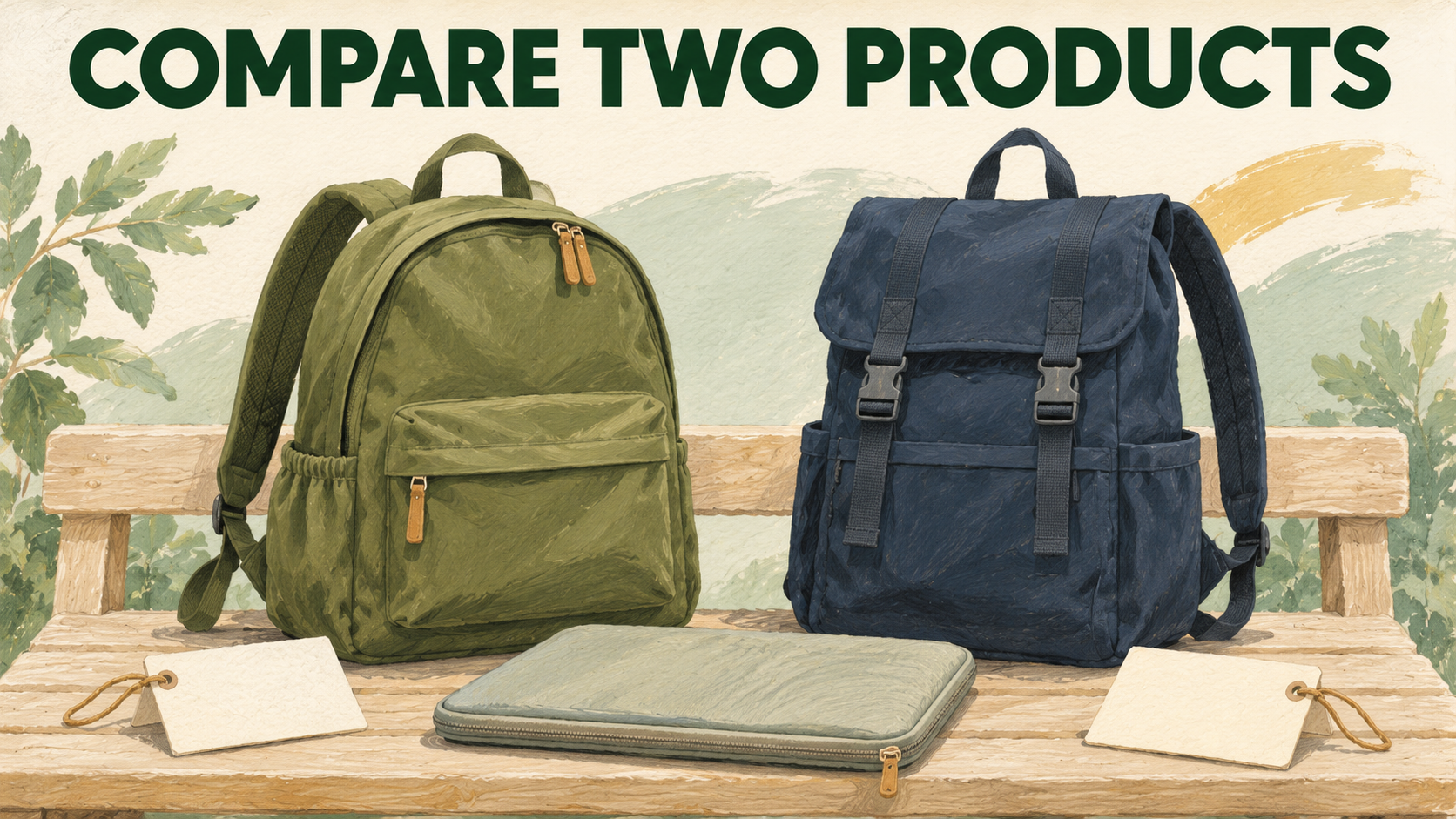
Paste two product descriptions into a text chat and state your must-haves. Ask AI to explain the differences and flag details you still need to confirm. I’d start with one firm requirement. A nice colour won’t help much if your laptop won’t fit in the backpack.
Step 1. Gather details from both listings
Open both listings. Copy the name and exact model, the specs that matter, the price and the delivery cost if known. Write down what you’ll use the item for, your budget and your preferences. OpenAI recommends stating the task clearly and giving context.
Step 2. Copy the full prompt
Replace the fields in brackets, paste the prompt into a regular AI text chat and send it.
Compare these two products for [my use case].
Must-haves and maximum total cost: [requirements and budget].
Preferences: [what would be nice to have].
Product A: [model, specs, price, delivery].
Product B: [model, specs, price, delivery].
Use only these details. For each must-have, say “meets it”, “does not meet it” or “unknown” and explain why.
Calculate the total cost if all parts are known. Mark gaps as “not listed”. Do not recommend an option if a must-have is unmet or unconfirmed.
Briefly explain the differences and list what to ask the seller.Step 3. Verify the comparison before buying
Check the deciding spec on the listing for the exact model or ask the seller about it. The FTC advises checking the total cost of a purchase including delivery and other fees. Check the final amount in your cart against your budget. If an important spec is still missing, hold off on deciding about that product.